News
Customising your News feed
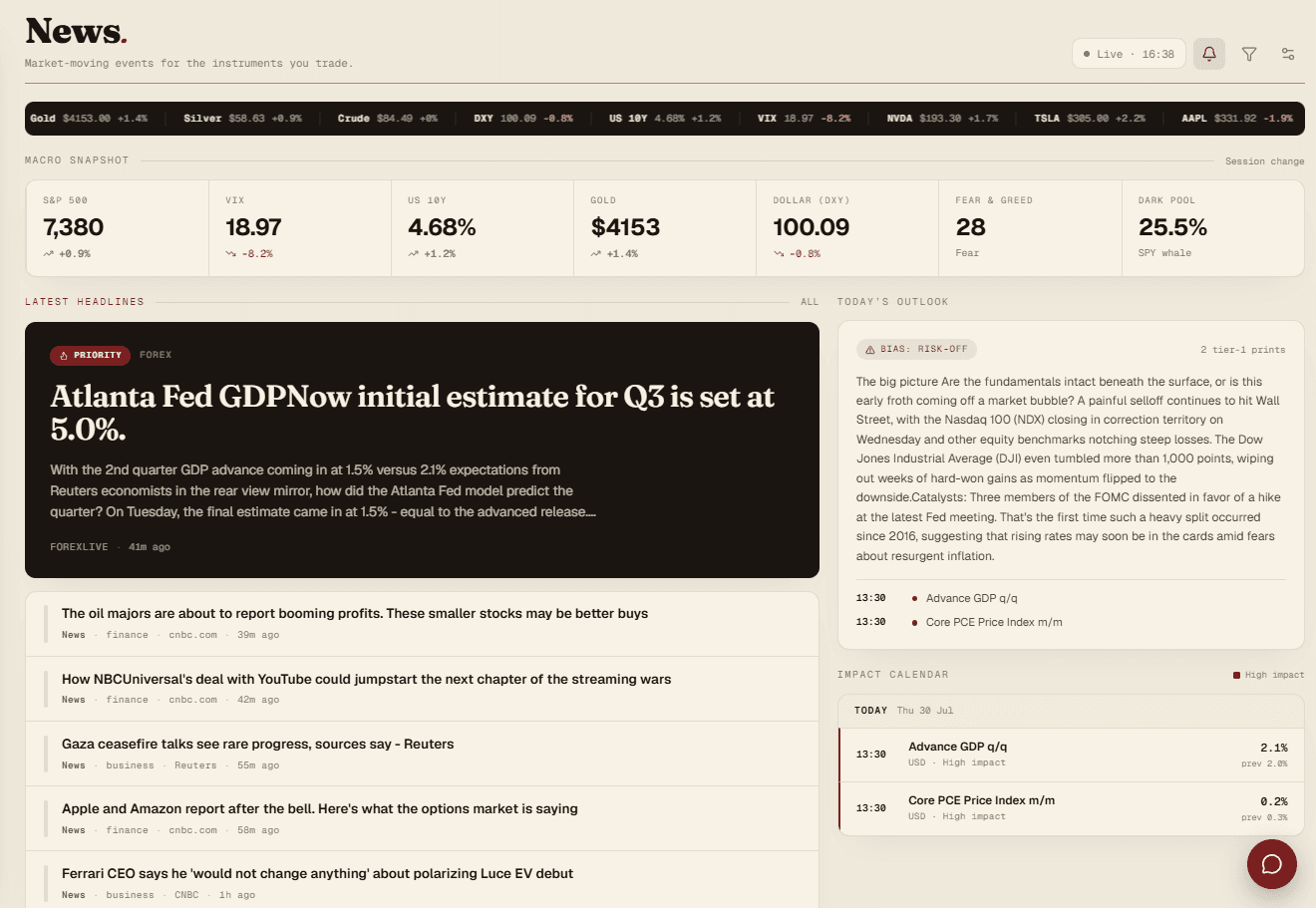
Filter the economic calendar to your currencies, and surface headlines that match your own keywords.
Click the settings icon on the News page to pick which currencies show in the economic calendar (USD, EUR, GBP, JPY, CHF, AUD, NZD, CAD, CNY), and add keywords to surface headlines you actually care about.
Priority keywords
Add words like "gold," "XAUUSD," "inflation," "Fed," anything matching gets a Priority tag and moves to the top of the feed. Turn on the priority filter to hide everything else and show only your matches.
Notifications
Toggle news notifications on to get an alert (via the notification bell) before a high-impact event for your selected currencies is about to hit.