Profile & account settings
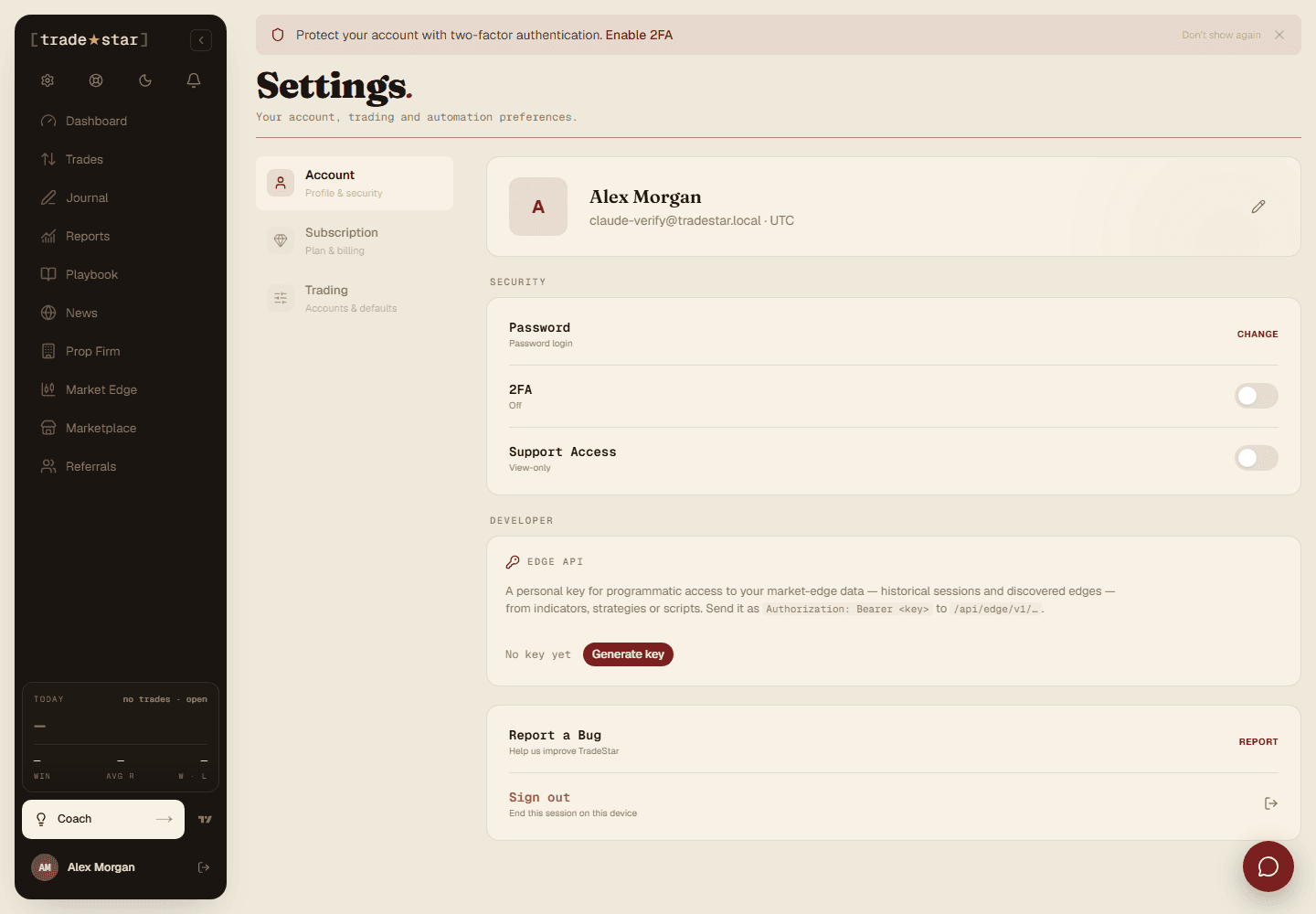
Update your name, email, avatar, timezone, and password from the Account tab.
Settings has three tabs, Account (profile), Subscription (billing), and Trading (rules). This one covers Account.
Profile
Update your name, email, and avatar (the upload cropper lets you adjust framing before saving).
Timezone
Set it once, correctly, everything date-related (trade times, journal dates, calendar views) reads off it across the whole platform.
Password
Change it from Settings → Account with your current password and a new one meeting the same rules as signup (8+ characters, mixed case, a number, a symbol).
Support access
Toggle view-only support access to let the Tradestar team see your account for debugging. Off by default, revoke it any time.
Want an extra layer of security? See how do I enable two-factor authentication.