Managing your subscription
What Free vs Pro includes, and how to update your card, switch billing, or see invoices via the Stripe portal.
Go to Settings → Subscription to see your plan, renewal date, and payment method, then click Manage Billing to open the Stripe customer portal.
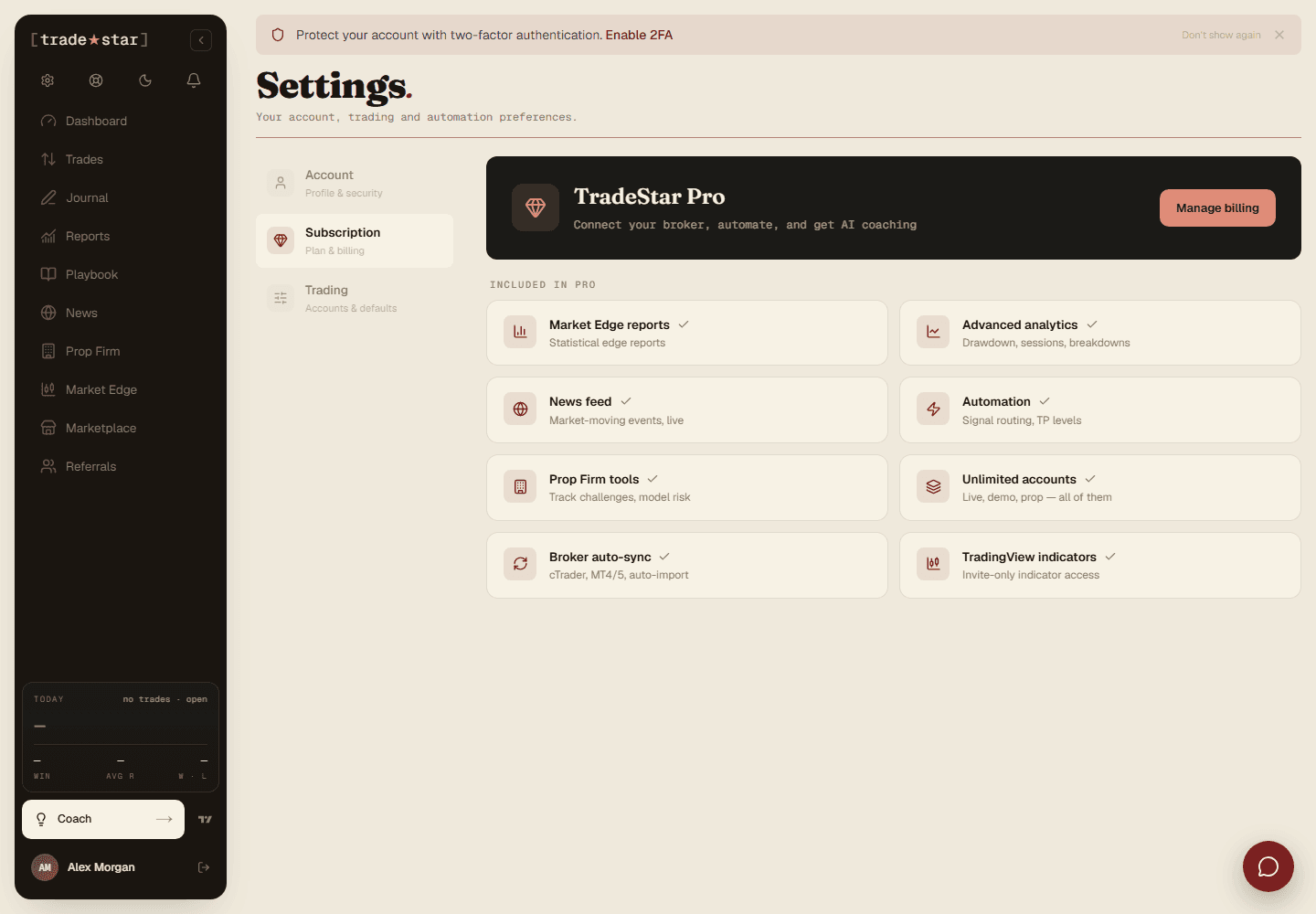
Free vs Pro
Free covers the dashboard, one account, manual trades, CSV import, the journal, strategies, and discipline tracking, everything you need to start journalling properly.
Pro ($49/mo or $419/yr) adds Reports, News, Market Edge, unlimited accounts, broker auto-sync, and the AI Trading Coach.
In the billing portal
- Update your payment method
- Switch between monthly and annual billing
- Cancel your subscription
- View your invoice history
On refunds
The Free plan is the trial, and it never expires, so you can judge Tradestar fully before paying anything. Once a paid billing period starts, it isn't refunded: Pro unlocks content immediately that can't be un-delivered. You can cancel any time and keep Pro access until the period you've already paid for ends. Your statutory rights aren't affected.