Settings
Two-factor authentication
Scan a QR code with an authenticator app, confirm the 6-digit code, and save your backup key somewhere safe.
Go to Settings → Account, find the 2FA section, and click Enable 2FA. Scan the QR code with an authenticator app, then confirm the 6-digit code it gives you.
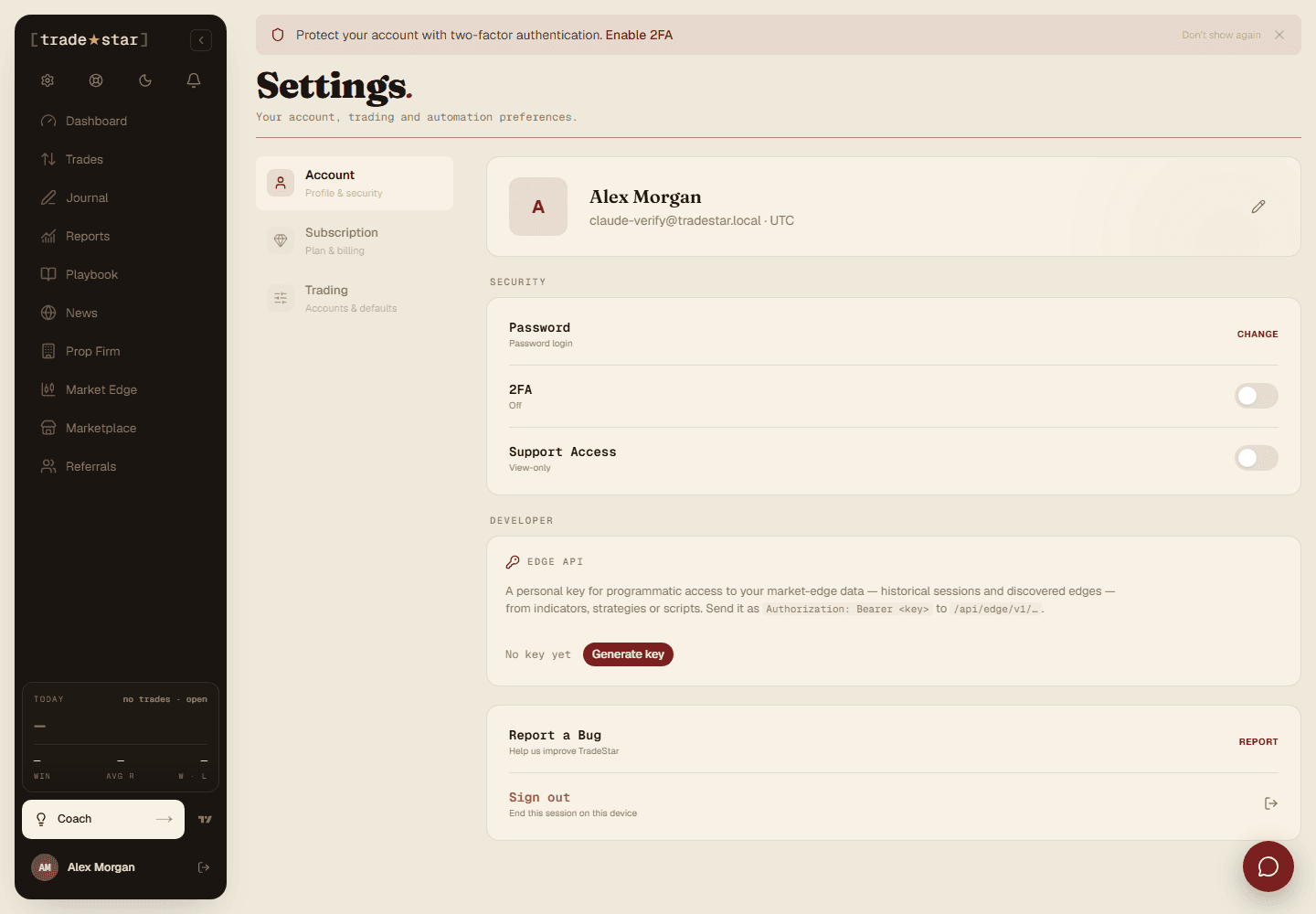
Go to Settings → Account and find the 2FA section.
Click Enable 2FA. A QR code appears.
Scan it with your authenticator app (Google Authenticator, Authy, 1Password, etc.).
Enter the 6-digit code it generates to confirm.
Save your backup key
A plaintext secret key shows alongside the QR code. Save it somewhere safe, it's your only way back in if you lose access to your authenticator app.