Trading settings
Display currency, the FIFO P&L method, what counts as breakeven, your trading schedule, and journal reminders.
Settings → Trading covers how Tradestar calculates and displays your numbers, not your actual trade data.
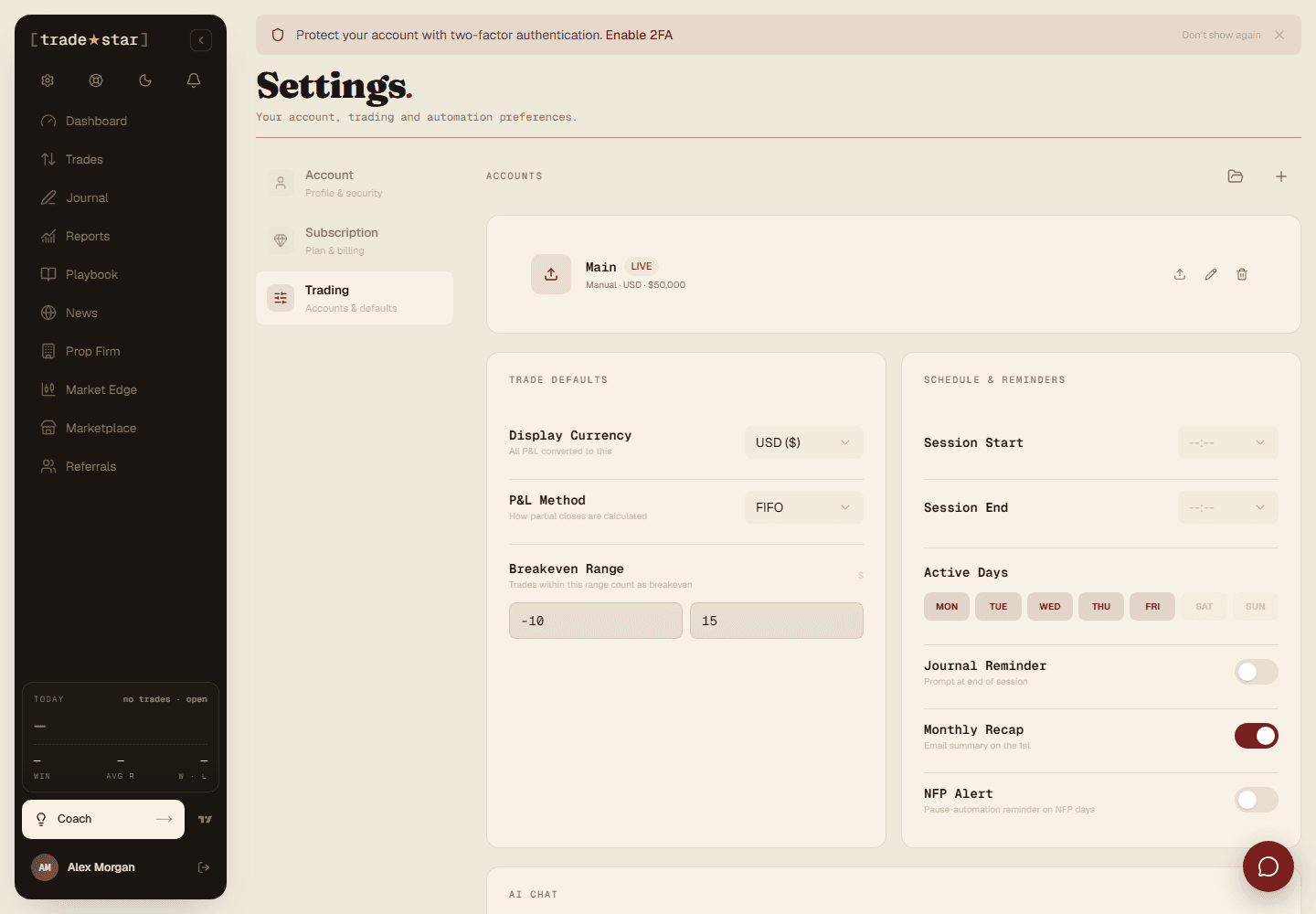
Display currency
The currency P&L shows in across the platform. A display preference only, it doesn't touch your underlying trade data.
Profit calculation
Tradestar uses FIFO (first in, first out) when a trade has multiple executions, matching how most brokers calculate P&L.
What counts as breakeven
Two thresholds define the P&L band that counts as breakeven rather than a win or loss: an upper threshold (default $15) and a lower one (default -$10). Tune these to your typical commission, a trade that made $3 but cost $5 in fees is effectively breakeven.
Trading schedule
Set your start/end hour (trades outside it get flagged in analytics) and which days you actually trade (non-trading days dim on the calendar).
Journal preferences
Toggle a daily journal reminder, and a monthly recap email with your key stats.