Getting Started
Notifications
What the notification bell alerts you to, and how it delivers them in real time.
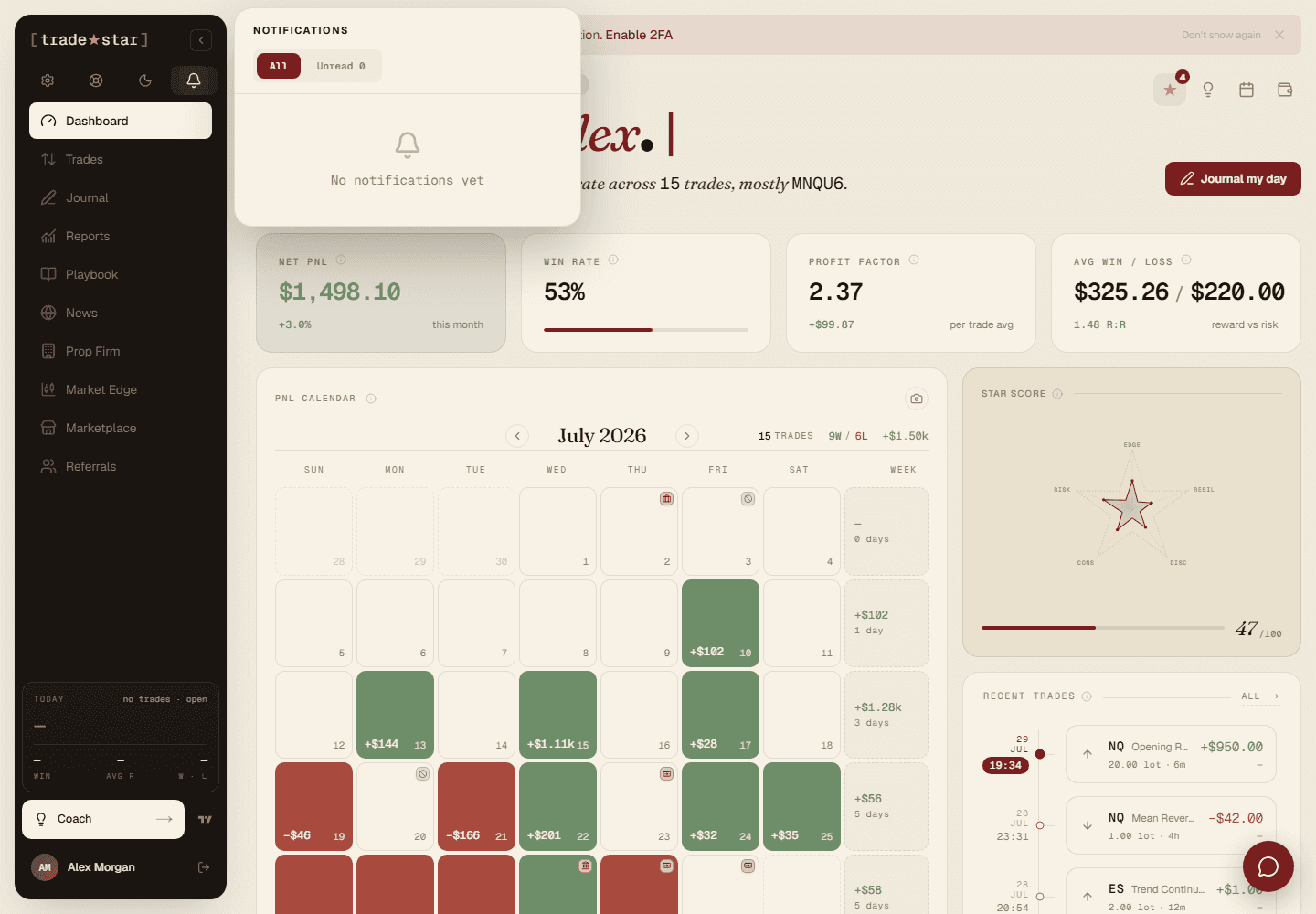
The bell in the header lights up with a dot the moment something happens, a trade syncs, a payment fails, big news drops. Click it to see everything, grouped by day.
What triggers a notification
- Billing — subscription started or renewed, a payment failed, your plan changed.
- Broker sync — new trades imported, a sync error, an account disconnected.
- News — a high-impact economic event matching the currencies you've set up.
How delivery works
Notifications arrive in real time (a live connection to your browser), with a 30-second polling fallback if that connection drops. They're grouped into Today, Yesterday, and Earlier, each one links straight to the relevant page, and a sound plays when a new one lands.