Trade Journal
Importing trade history
Three ways in, CSV/Excel upload with a smart column mapper, broker auto-sync, or MT4/5 FTP, and how the mapper handles messy exports.
Tradestar reads your trade history three ways: upload a CSV/Excel export, connect your broker for auto-sync, or (MT4/5) publish via FTP. Whichever you use, re-importing the same file twice is safe: duplicates are skipped automatically.
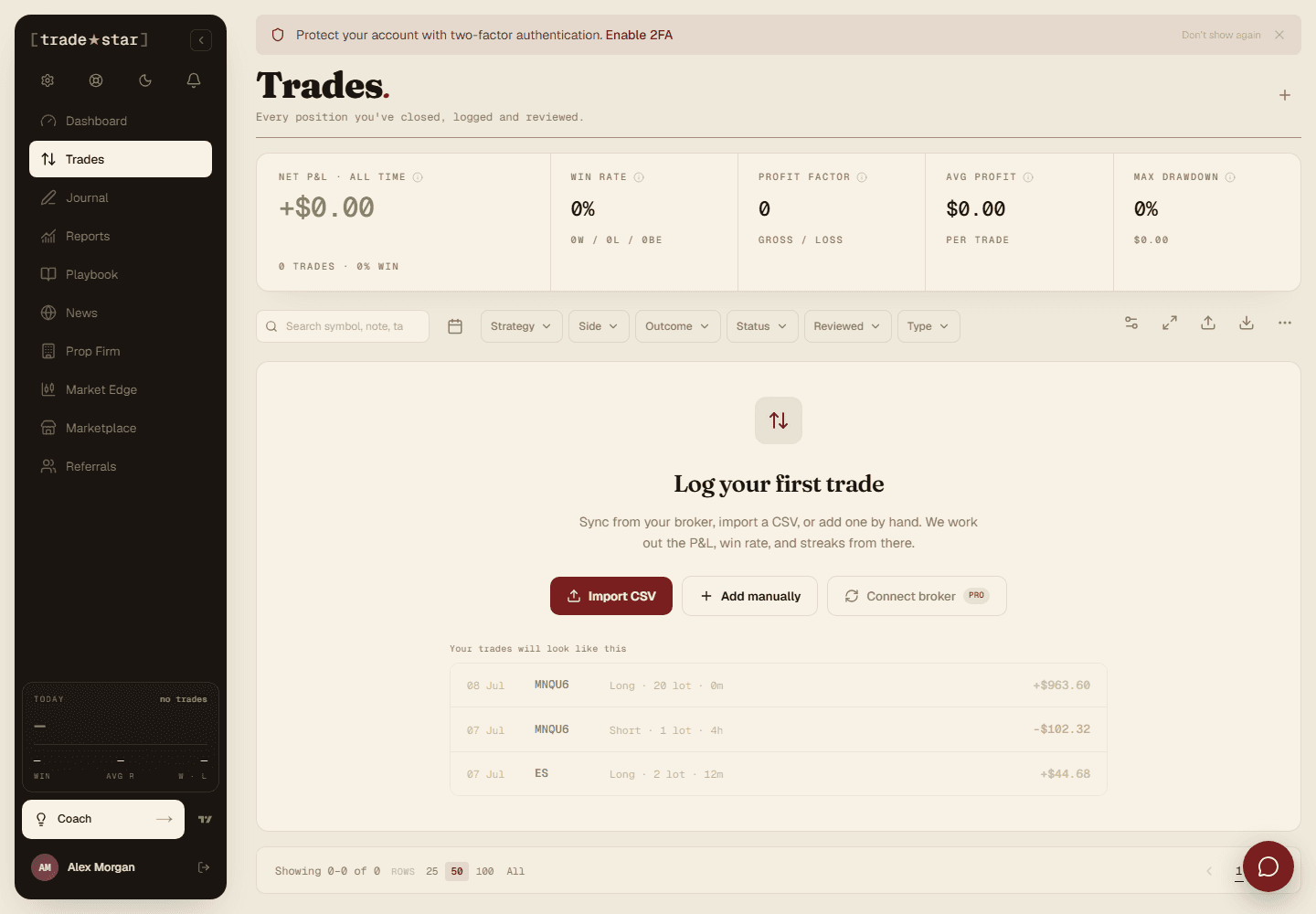
Drag and drop your broker's export, or click to browse. Tradestar's smart mapper reads the header row and does the rest:
Upload. Tradestar reads the file's headers.
Map columns. Common names (Symbol, Side, Open Date, P&L, etc.) are auto-detected. Fix anything wrong from the dropdowns.
Date format. Pick the right one if dates aren't parsed correctly.
Preview. Check dates, prices, and P&L look right before committing.
Import. Duplicates are skipped, so re-importing the same file is always safe.
Non-standard broker format?
Save the column mapping as a template so you don't have to redo it on the next export.
Supported fields
| Field | Required | Description |
|---|---|---|
symbol | Yes | Instrument name (e.g. XAUUSD, EURUSD) |
side | Yes | Buy/Long or Sell/Short |
open_date | Yes | Trade open timestamp |
close_date | No | Trade close timestamp (blank for open trades) |
entry_price / exit_price | No | Entry / exit price |
quantity | No | Position size / volume / lots |
pnl | No | Net profit/loss |
commission / swap | No | Fees and rollover charges |
position_id | No | Groups multi-execution trades by position |
strategy | No | Strategy or playbook name |
Checking past imports
Every import is logged under Settings → Imports, trades imported, duplicates skipped, and any errors. Click one to see the detail.