Quantower import
Export your Trades panel to CSV with all columns visible, Tradestar auto-detects the fills format and pairs entries with exits.
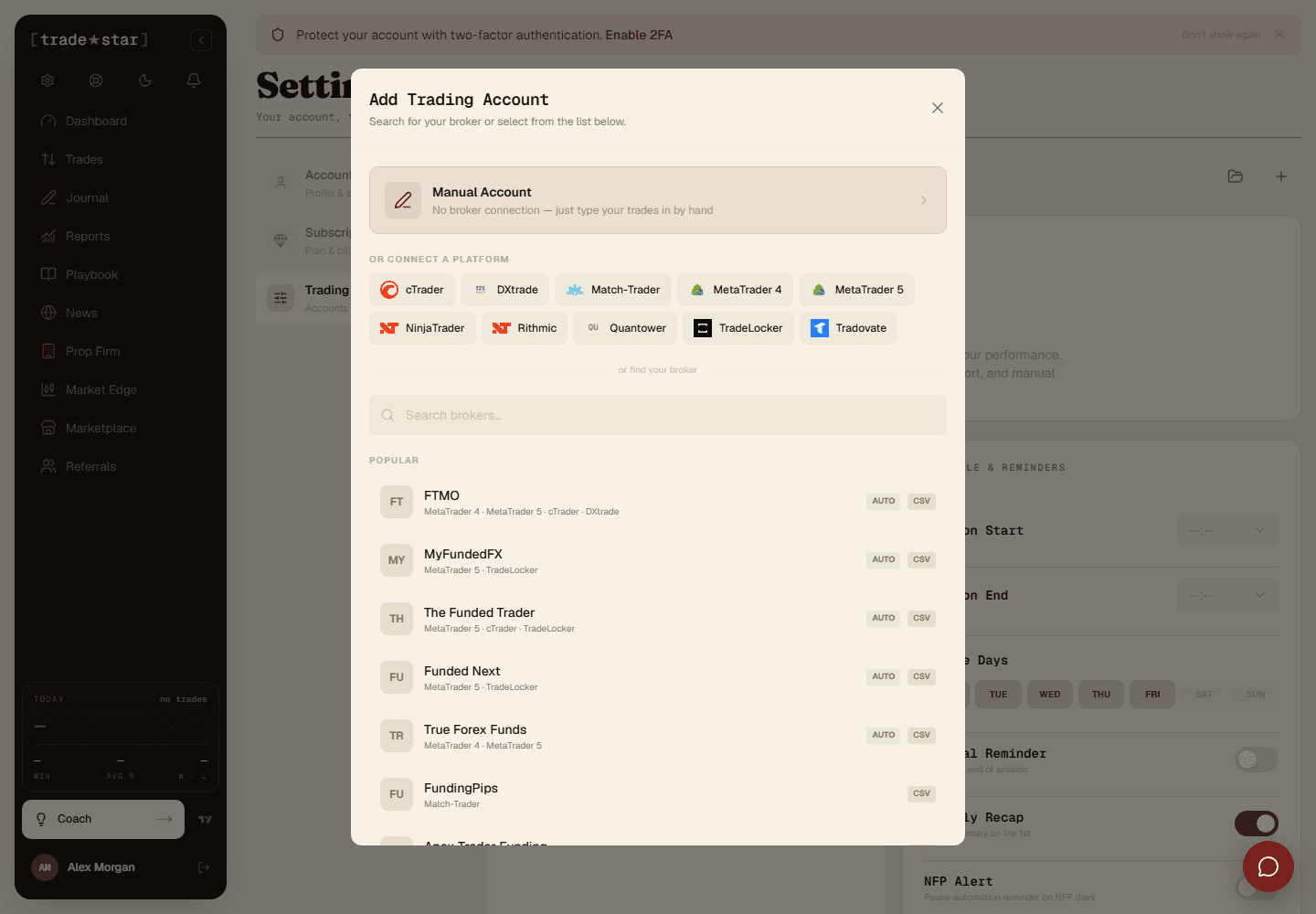
Export the Trades panel to CSV with every column visible, upload it under Add Account, no column mapping needed.
What gets imported
Quantower's export is a list of individual fills, not finished trades, Tradestar detects this automatically and pairs entries with exits into round-trip trades.
Position ID isn't always one trade
Quantower's Position ID is often a fixed symbol@exchange@account key, the same value for every trade in that contract, not a per-round-trip id. Tradestar splits it correctly wherever your net position returns to flat, so scaling in and out of a single position still becomes one trade, not several, but this only works if Position ID is included in the export.
Fee sign and backtest exports
Quantower's Fee column is positive (most platforms report it negative), Tradestar accounts for this automatically so P&L comes out correct either way. Backtest exports often carry the same generic account name (e.g. "Account 1") for every export, if that collides with a real account, tick Ignore the file's broker account name during import so it lands in the account you picked instead of whichever one claimed that name first.
Re-importing the same date range twice is safe, trades are fingerprinted, so duplicates are skipped, not doubled up. If an older export was missing Gross P/L or Fee data, a later re-import with the real numbers replaces the broken zero-value trade automatically.