Tradovate import
Export an Orders.csv from Tradovate's Reports page and upload it, columns are recognised automatically.
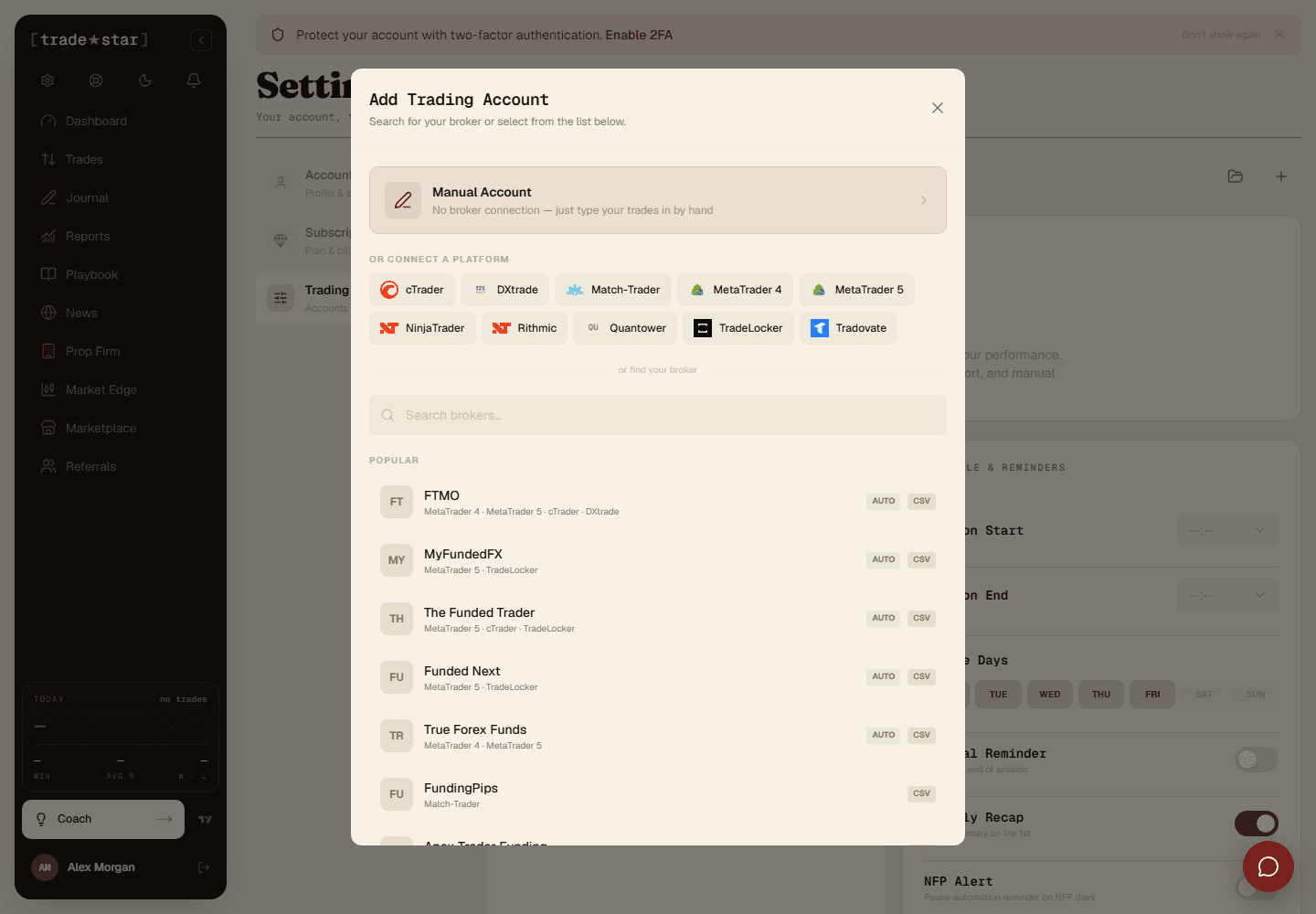
Export an Orders.csv from Tradovate's Reports page, then upload it under Add Account, no column mapping needed.
Orders.csv file.Why CSV instead of automatic sync
Tradovate's API needs a live account funded above $1,000 plus a paid monthly add-on, and it isn't available on prop or evaluation accounts. CSV import works on every account type.
What gets imported
Your export is a list of individual fills, not finished trades, Tradestar pairs entries with exits automatically, so an exit filled in three parts becomes one trade at the average price. Futures contracts are read from the Contract column (NQU6 → NQ) and valued correctly (E-mini NQ at $20/point, Micro MNQ at $2).
Commission isn't in the export
Tradovate's orders export has no commission column, so imported P&L is gross. Add fees to the trade after import if you need them included.
Re-importing the same date range twice is safe, trades are fingerprinted, so duplicates are skipped, not doubled up.