Rithmic (R|Trader) import
Export completed orders as CSV, one day per file, works with Apex, Topstep, and other Rithmic prop accounts.
Export your completed orders from R|Trader as CSV (one file per day) and upload each one, duplicates are skipped so overlapping days are safe.
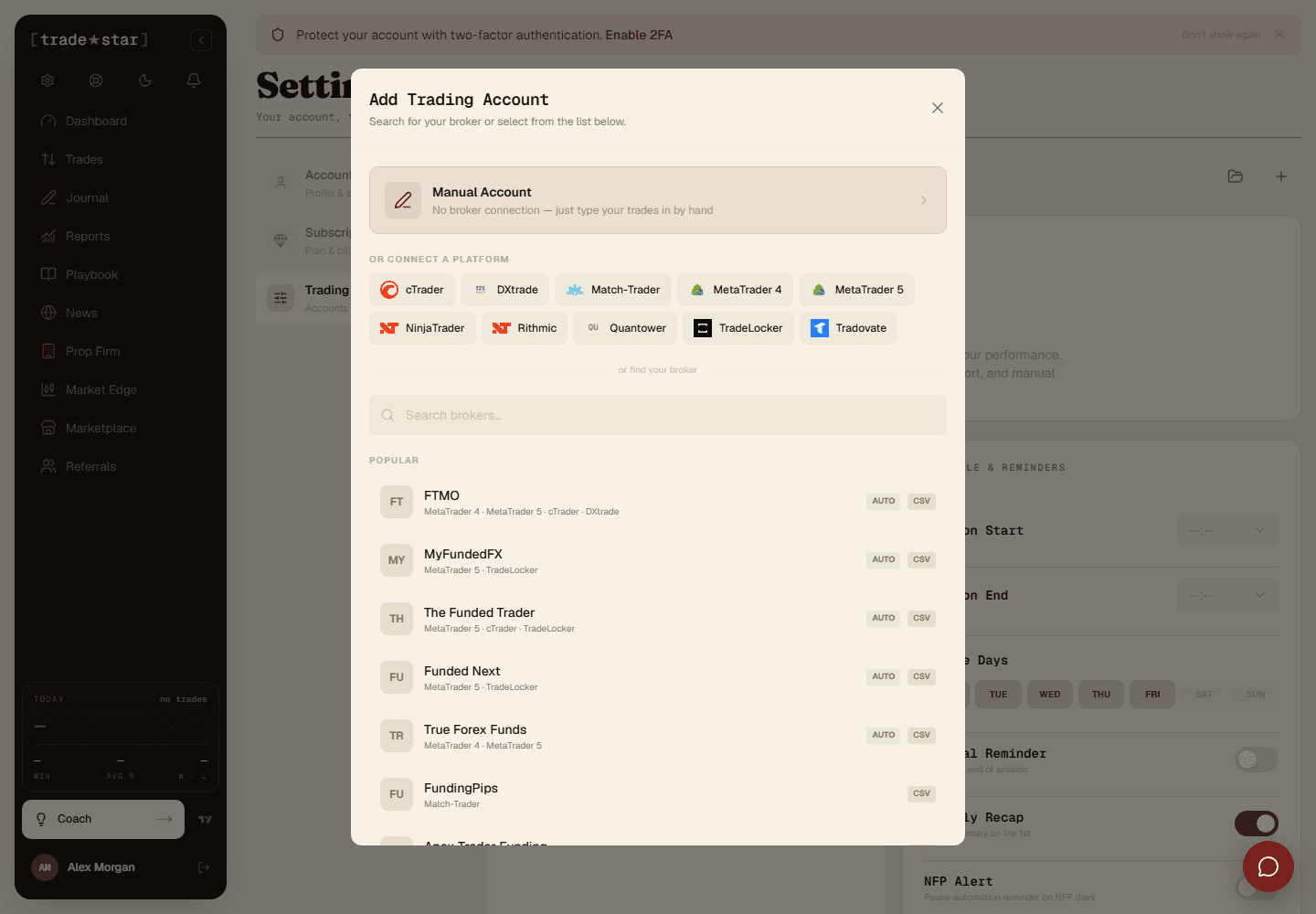
One day at a time
R|Trader exports a single day per file, a week of trading means five files. Upload them one after another, duplicates are skipped, so overlapping ranges are safe.
Multiple accounts
If your export contains more than one account number, Tradestar detects them and asks which Tradestar account each maps to. Running two evaluations at once won't merge their histories.
What gets imported
The file has both Working Orders and Completed Orders sections, Tradestar reads only the completed one. Fills are paired into round trips automatically, and contracts are valued correctly (MNQU6 reads as Micro Nasdaq at $2/point, not the full-size contract at $20).
Two things to know
Times are in GMT, if you trade in another timezone, set yours in Settings so trades land on the right day. Commission is usually blank even though the column exists, so imported P&L is gross.