Trade Journal
Manual trade entry
Add a trade by hand from the Trades page, including multi-fill executions, strategy assignment, and tags.
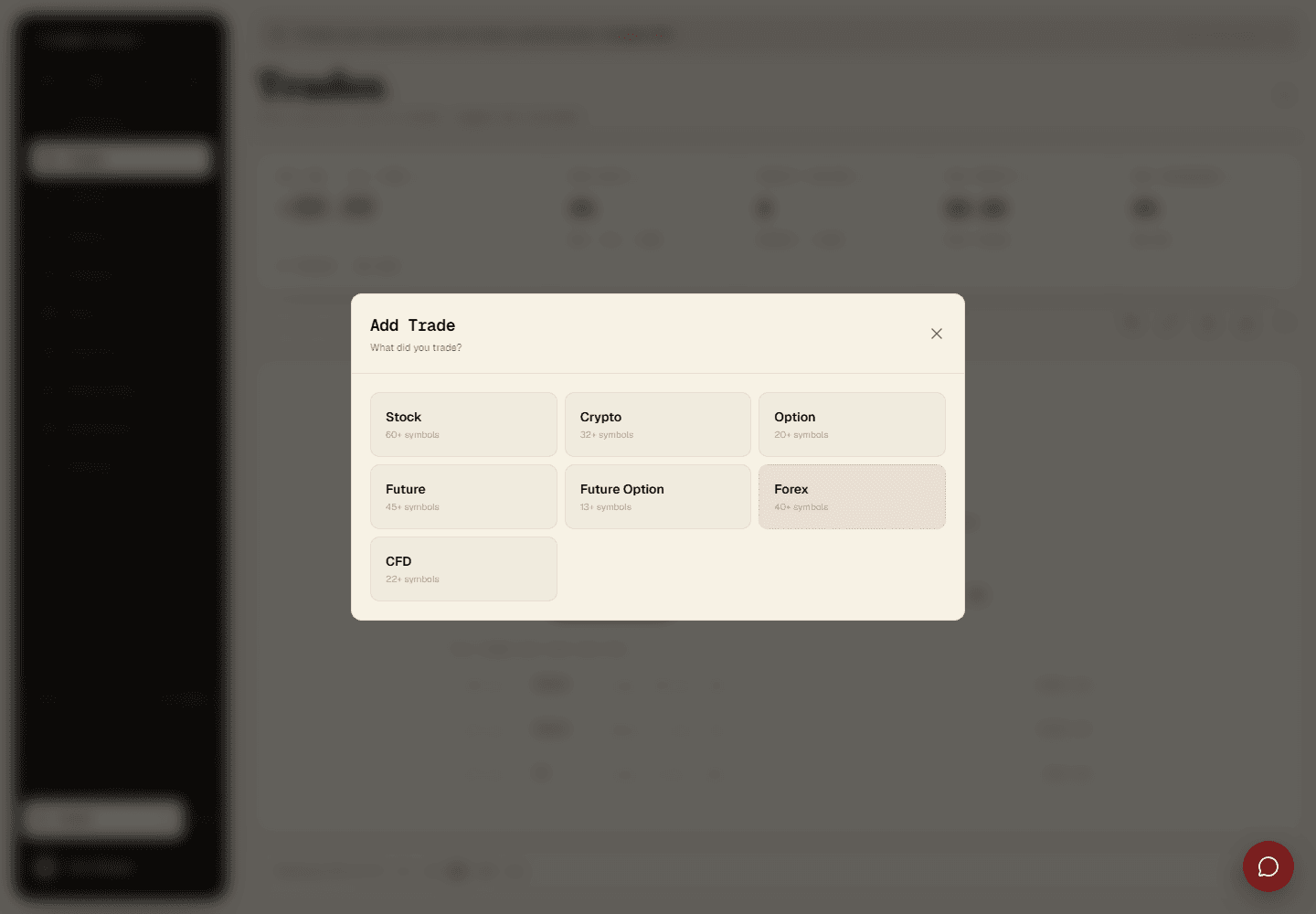
From the Trades page, click Add Trade, and step through the dialog: account, asset class, symbol, then the trade details (side, entry/exit price, quantity, dates).
Select account — which trading account this trade belongs to.
Choose asset class — Forex, Indices, Commodities, Crypto, Stocks, or Futures.
Pick symbol — from a list of popular symbols, or type a custom one.
Enter trade details — side, entry/exit price, quantity, open/close dates, and optionally a title, strategy, and notes.
Trades with multiple fills
Scaling in or out? Add multiple execution entries within one trade, each with its own price, quantity, and timestamp. Tradestar works out the blended entry/exit and the overall P&L for you.
Strategy and tags
Assign a strategy at entry, or later from the trade detail page, this links the trade to your playbook for adherence scoring. Add custom tags ("Breakout," "News Event," "Revenge Trade") to filter trades later, on the Trades page or in Reports.