Prop firm tracker
Set up your firm's rules once, then watch daily loss, drawdown, and profit target compliance update live from your synced trades.
Set up your challenge once (firm, size, phase, rules) and Tradestar tracks daily loss limits, max drawdown, profit targets, and trading days automatically from your synced trade data.
Pro feature
Prop Firm tools, including the tracker and Prop Passer, are Pro-only. Free plan users see an upgrade prompt in Prop Firm's place.
Setting up an account
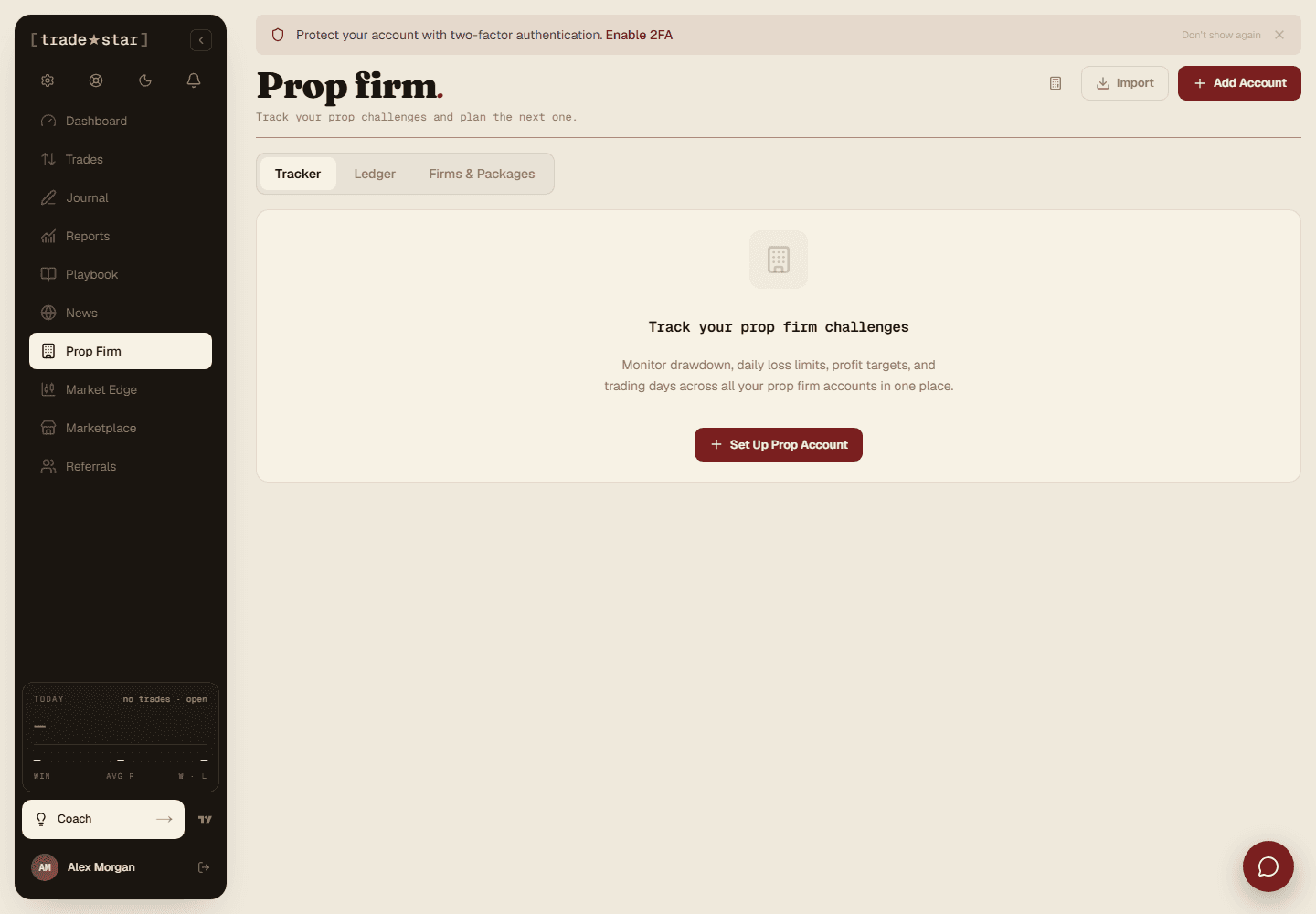
The compliance dashboard
Hero KPIs
Net P&L, balance, win rate, and profit factor for this account at a glance.
Risk gauges
Animated bars for daily loss, max drawdown, and profit target, traffic-light coloured.
Equity curve
Full-width chart with drawdown limit and profit target reference lines.
Trading objectives
Every rule as a checklist: met, not yet met, or breached, with live values.
Performance stats
Win rate, profit factor, avg win/loss, biggest win/loss, specific to this account.
Supported firms
Pre-built templates exist for FTMO (1-Step Standard, 1-Step Swing, 2-Step Standard, 2-Step Swing), more firms are being added over time. For anything else, use Custom Rules and enter your daily loss %, max drawdown %, profit target, and minimum trading days by hand.
Auto-advance
Meet every objective for your current phase and Tradestar moves you to the next one automatically, passing Phase 1 of a 2-Step challenge advances you to Phase 2 with updated rules, with a confirmation popup.
Track more than one challenge at once, each shows as its own card on the Prop Firm overview page.
Rules are user-confirmed
Templates are a convenience. You confirm them during setup and can edit any time, always verify against your firm's actual current rules, spotted a mismatch or a missing firm? There's a "Let us know" link on the firm/challenge step.
Want to know your odds before paying for a challenge? See how does Prop Passer estimate my odds.